Vermillions Crimson GCash Withdrawal: Step-by-Step Guide for Filipino Players
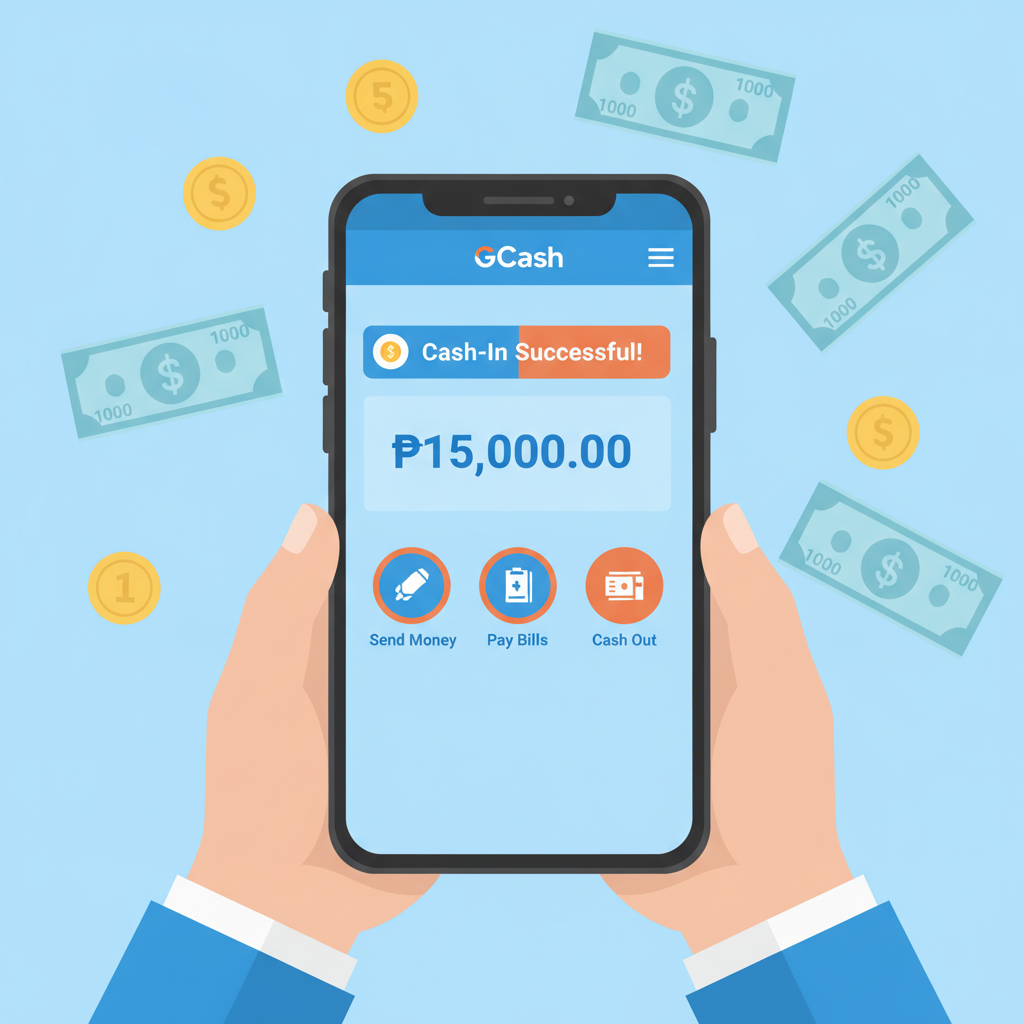
How to Request a Cashout to Your GCash Wallet from Vermillions Crimson
Withdrawing your winnings to GCash from Vermillions Crimson follows a straightforward process, but every field must be filled correctly to avoid delays. Players aged 21 and over can use this method once their account is verified.
Step 1: Log in and navigate to the cashier
Open the Vermillions Crimson site or app and sign in. Tap the menu icon (usually three lines or a wallet symbol) and select Cashier or Withdraw. Some versions label it Cash Out.
Step 2: Select GCash as your withdrawal method
You will see a list of e-wallet and bank options. Tap GCash. If GCash does not appear, check that your account verification is complete; unverified accounts may have limited withdrawal methods.
Step 3: Enter your GCash mobile number
Type the 11-digit mobile number registered to your GCash account. Double-check every digit—one typo will send your money to the wrong wallet or trigger an error. The number must match the one you used for deposits if you previously funded your account via GCash.
Step 4: Enter the withdrawal amount in pesos
Type the amount you want to cash out. The platform will display your available balance and the minimum and maximum limits. Most players withdraw between PHP 100 and PHP 10,000 per transaction, depending on their balance and the daily cap.
Step 5: Confirm and submit
Review the mobile number and amount one more time. Tap Confirm or Submit. You will see a confirmation screen or receive an in-app notification that your request is being processed.
Step 6: Wait for the funds to arrive in GCash
Processing times vary. Many Vermillions Crimson GCash withdrawals arrive within a few hours, but during peak periods or weekends it can take up to 24 hours. Check your GCash transaction history under Cash In to confirm receipt.
Daily and Monthly Withdrawal Limits for GCash
Vermillions Crimson sets minimum and maximum limits for each GCash cashout. These caps apply per transaction and per rolling 24-hour or 30-day period.
Typical per-transaction limits:
- Minimum: PHP 100
- Maximum: PHP 50,000
Daily limit:
Most accounts can withdraw up to PHP 50,000 in total per day across all transactions. If you try to cash out more, the system will reject the request or queue it for the next day.
Monthly limit:
The cumulative cap is often set at PHP 500,000 per calendar month, but this can be lower for newly verified accounts. VIP or higher-tier players may enjoy raised limits; check the cashier page or contact support for your specific tier.
GCash account limits:
Remember that your GCash wallet itself has cash-in limits. Fully verified GCash accounts can receive up to PHP 100,000 per month, while semi-verified accounts are capped at PHP 50,000. If Vermillions Crimson approves a withdrawal that exceeds your GCash limit, the transaction will fail and the funds will return to your casino balance.
Fees and What to Expect in Your GCash Transaction History
Platform fees:
Vermillions Crimson does not charge a fee for GCash withdrawals in most cases. The amount you request is the amount that leaves your casino balance. Always check the confirmation screen before you submit—if a fee applies, it will be listed there.
GCash fees:
GCash does not charge players for receiving money. The full peso amount will appear in your wallet.
Currency conversion:
Because both your casino account and GCash operate in Philippine pesos, no conversion fee applies.
What you will see in GCash:
When the transfer completes, open your GCash app and tap Transaction History. The entry will show:
- Type: Cash In or Receive Money
- Source: The payment processor or partner name used by Vermillions Crimson (this may not say "Vermillions Crimson" directly; it might say the name of a payment gateway or a short code)
- Amount: The exact peso figure you requested
- Date and time: When GCash credited your wallet
If the source name looks unfamiliar, cross-check the amount and timestamp with your casino withdrawal confirmation.
Common Errors and How to Fix Them
Even a small mistake can delay or block your Vermillions Crimson GCash withdrawal. Here are the issues players encounter most often and the practical fixes.
Wrong Mobile Number
Error message: "Invalid account" or "Recipient not found."
Cause: You typed an incorrect GCash number or used a number that is not registered with GCash.
Fix:
- Log back into the cashier and cancel the pending request if the platform allows it.
- Verify your GCash mobile number by opening the GCash app and checking the number displayed at the top of the home screen.
- Submit a new withdrawal request with the correct 11-digit number.
If the funds have already been deducted from your balance but did not arrive, contact Vermillions Crimson customer support through live chat or the in-app help button. Provide your transaction reference number and explain the mistake. In most cases, the money will be returned to your casino balance within 24–48 hours so you can retry.
Unverified or Semi-Verified GCash Account
Error message: "Transaction declined" or "Receiver limit exceeded."
Cause: Your GCash account is not fully verified and cannot accept the amount you are trying to withdraw, or you have reached your monthly cash-in cap.
Fix:
- Open the GCash app and tap your profile icon.
- Complete the verification steps: upload a valid government ID (driver's license, passport, UMID, or postal ID) and a selfie.
- Wait for GCash to approve your documents (usually within a few hours).
- Once verified, check your new monthly limit under Account Limits.
- Return to Vermillions Crimson and request the withdrawal again.
If you are already fully verified and still see an error, you may have hit your monthly cash-in cap. Wait until the next calendar month or use an alternative method such as Maya or bank transfer via InstaPay.
Pending or Stuck Withdrawal
Symptom: Your request shows "Processing" or "Pending" for more than 24 hours and the money has not arrived in GCash.
Cause: High withdrawal volume, a public holiday, or a mismatch between your casino profile and GCash account details.
Fix:
- Check that the mobile number on file in your Vermillions Crimson profile matches your GCash number. Log in, go to Profile or Account Settings, and review your registered phone number.
- Wait an additional 24 hours during weekends or holidays; processing can be slower.
- If 48 hours pass with no update, contact Vermillions Crimson support. Provide your withdrawal reference number, the exact amount, and your GCash mobile number. Support can escalate the issue to the payment team.
Withdrawal Rejected After Bonus Play
Error message: "Withdrawal not allowed" or "Wagering incomplete."
Cause: You claimed a bonus and have not yet met the rollover requirement, or you are trying to withdraw before the bonus terms are cleared.
Fix:
- Go to the Bonus or My Account section and check your active wagering progress.
- If a rollover is incomplete, continue playing the required amount or forfeit the bonus to unlock your balance.
- Once wagering is complete, return to the cashier and submit a new withdrawal request.
This guide focuses on payment and app help; for detailed breakdowns of bonus rollover rules, refer to content on sibling sites that cover promotional terms.
21+ Only and Responsible Gambling Reminder
Vermillions Crimson is available only to players aged 21 and over. Online casino and sports betting should be entertainment, not a way to make money. Set a budget before you play, withdraw winnings when you can, and never chase losses.
If you or someone you know is struggling with gambling, seek help from a local counselor or a responsible-gambling support line. Keep your account secure, update your GCash verification, and always double-check withdrawal details before confirming.
This is an independent guide. Vermillions Crimson is a third-party platform. Processing times, limits, and policies may change; always verify current terms in your cashier or with official support.