Vermillions Crimson Maya Deposit and Withdrawal: Limits, Fees, and Steps
How to Deposit Pesos Using Your Maya Wallet
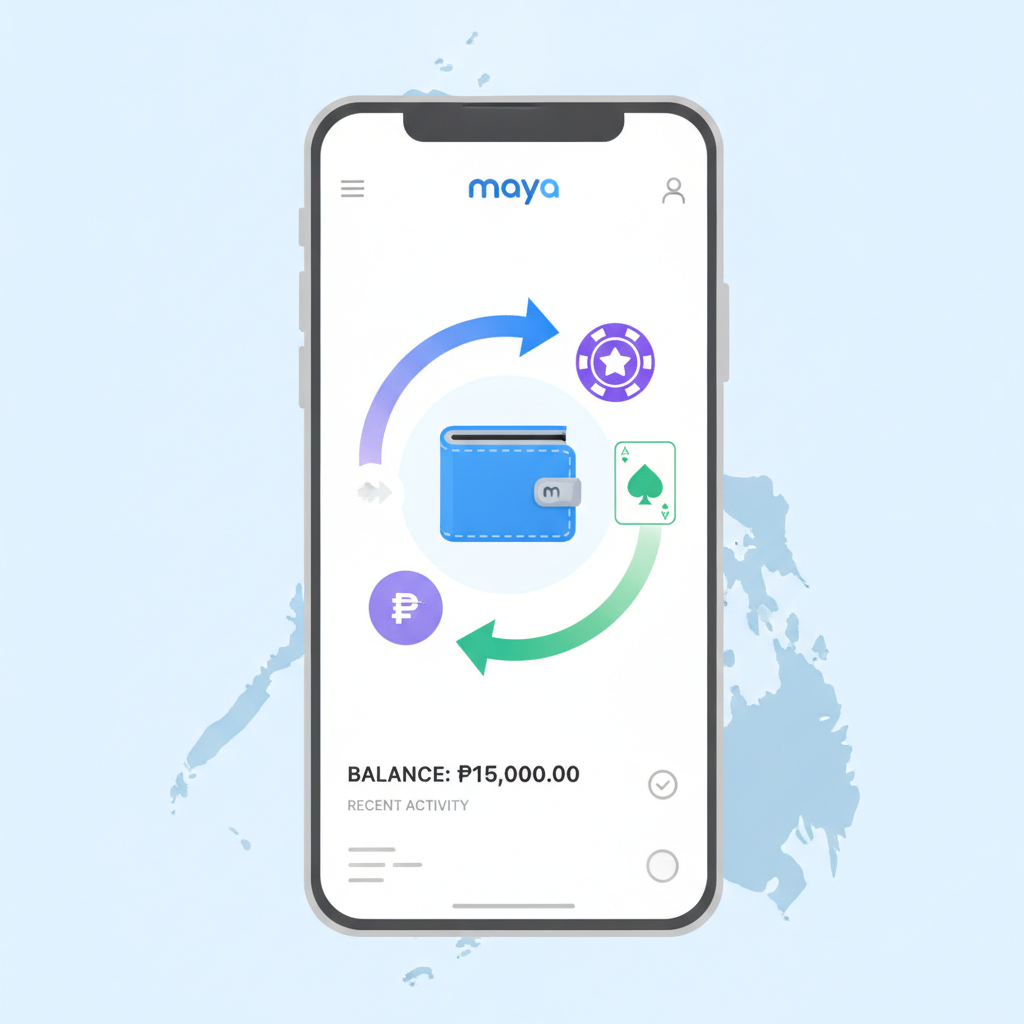
Vermillions Crimson accepts Maya as a direct e-wallet deposit method for Filipino players aged 21 and over. The platform integrates with Maya's API, so you remain inside the casino interface during the entire transaction.
Step 1: Log in to your Vermillions Crimson account
Open the app or mobile site and enter your registered username and password. If you encounter login errors, clear your browser cache or update the APK to the latest version.
Step 2: Navigate to the deposit section
Tap the "Deposit" or "Cashier" button, usually visible in the top menu or account dashboard. The platform displays all available payment methods for Philippine players.
Step 3: Select Maya as your deposit method
Choose "Maya" from the list of e-wallet options. Vermillions Crimson groups Maya alongside GCash and other local payment channels.
Step 4: Enter your deposit amount in pesos
Type the amount you want to transfer. Most players deposit between PHP 100 and PHP 500 per transaction. The system will show the minimum and maximum limits before you proceed.
Step 5: Confirm and authorize the payment
You will be redirected to Maya's secure payment page or prompt. Log in to your Maya account using your registered mobile number and PIN or biometric authentication. Review the transaction details—recipient name, amount, and reference number—then confirm the transfer.
Step 6: Return to Vermillions Crimson
After Maya processes the payment, you are redirected back to the casino. Your peso balance updates within seconds in most cases. Check your account dashboard or transaction history to verify the credited amount.
If the deposit does not appear immediately, wait two to three minutes and refresh the page. Persistent delays may indicate a connection issue or insufficient Maya wallet balance.
How to Request a Withdrawal Back to Maya
Withdrawing your winnings to Maya follows a similar flow but includes an additional verification step to protect your account.
Step 1: Open the withdrawal or cashout section
From your Vermillions Crimson account dashboard, tap "Withdraw" or "Cashout." This is typically located next to the deposit button or under account settings.
Step 2: Choose Maya as your withdrawal method
Select "Maya" from the list of available cashout channels. Vermillions Crimson requires that you withdraw to the same e-wallet you used for deposits whenever possible, as part of anti-fraud protocols.
Step 3: Enter your Maya account details
Provide your registered Maya mobile number. Double-check the number to avoid routing errors. Some players report failed withdrawals because of a single-digit typo.
Step 4: Specify the withdrawal amount
Enter the peso amount you want to cash out. The platform enforces minimum and maximum withdrawal limits, and you cannot request more than your available account balance minus any active wagering requirements.
Step 5: Submit the request
Confirm the withdrawal. Vermillions Crimson may ask you to verify your identity by entering a one-time password sent to your registered mobile number or email. This step prevents unauthorized cashouts.
Step 6: Wait for processing
Withdrawal requests are queued for review. Once approved, the platform sends the funds to your Maya wallet. You will receive a notification from Maya when the money arrives.
Check your Vermillions Crimson transaction history to monitor the status: pending, approved, or completed. If the status remains pending beyond the expected timeframe, contact customer support with your transaction reference number.
Transaction Fees, Minimum and Maximum Amounts
Vermillions Crimson does not charge a platform fee for Maya deposits or withdrawals, but Maya itself may apply standard e-wallet transaction fees depending on your account type and the source of funds.
Deposit limits
- Minimum deposit: PHP 100
- Maximum deposit per transaction: PHP 50,000
- Daily deposit cap: Varies by player account tier; standard accounts typically allow up to PHP 100,000 per day
These limits align with Maya's own per-transaction ceilings and Vermillions Crimson's risk-management policies.
Withdrawal limits
- Minimum withdrawal: PHP 200
- Maximum withdrawal per transaction: PHP 50,000
- Daily withdrawal cap: PHP 100,000 for most account levels; VIP players may qualify for higher limits
Players who have not yet completed ID verification may face lower withdrawal ceilings until the platform confirms their identity documents.
Maya fees
Maya does not charge fees for receiving money (deposits into your casino account), but cashing out from Vermillions Crimson to your Maya wallet may incur a small fee on the Maya side if you immediately transfer the funds to a linked bank account. Always review Maya's current fee schedule in the app.
Currency and conversion
All transactions occur in Philippine pesos. If your Maya wallet holds a balance in another currency, the app automatically converts it at Maya's prevailing exchange rate before the casino deposit is completed.
Expected Processing Times and Troubleshooting Failed Maya Transactions
Deposit processing times
Maya deposits are instant in the majority of cases. Once you authorize the payment in the Maya app, Vermillions Crimson credits your peso balance within seconds. Occasionally, high transaction volume or server maintenance on either platform can delay crediting by two to five minutes.
Withdrawal processing times
- Pending review: Up to 24 hours for standard accounts; Vermillions Crimson's finance team reviews cashout requests to verify account ownership and compliance with terms
- Transfer to Maya: Once approved, the funds typically arrive in your Maya wallet within one to four hours
- Total end-to-end: Most withdrawals complete within 24 hours; some players report receiving money in under six hours during off-peak periods
Withdrawals requested late at night or on weekends may take slightly longer because the finance team operates on business-hour schedules.
Common reasons for failed or delayed transactions
- Incorrect Maya mobile number: If you mistype your registered number during withdrawal setup, the funds cannot be routed. Always copy-paste or triple-check the digits.
- Insufficient balance in Maya wallet (deposits): Your Maya account must have enough pesos to cover the deposit amount. A declined transaction means Maya could not debit your wallet.
- Pending wagering requirements: Vermillions Crimson blocks cashouts if you have active bonus rollover obligations. Check your bonus status before requesting a withdrawal.
- Account verification incomplete: Players who have not uploaded a valid government-issued ID and proof of address may face withdrawal holds. Complete verification in the account settings to lift restrictions.
- Maya service outage: Occasional maintenance windows on Maya's backend can interrupt transaction processing. Check Maya's official social media channels or app notifications for service alerts.
- Daily or monthly limits exceeded: If you have already withdrawn the maximum allowed amount for the day, additional requests will queue until the next period.
- Duplicate or rapid-fire requests: Submitting multiple withdrawal requests in quick succession can trigger fraud alerts. Cancel duplicate requests and submit a single, consolidated cashout.
Troubleshooting steps
- Refresh and wait: Most delays resolve within a few minutes. Close and reopen the Vermillions Crimson app, then check your balance and transaction history again.
- Check Maya transaction history: Open the Maya app and review recent activity. If the deposit left your wallet but did not credit the casino, note the reference number.
- Contact Vermillions Crimson support: Use the in-app live chat or email support with your username, transaction reference, and screenshot of the Maya receipt. Response times are typically under an hour during peak hours.
- Verify your account details: Ensure your registered mobile number in Vermillions Crimson matches your Maya account number exactly.
- Clear cache or reinstall the app: Corrupted app data can cause display errors that make a completed transaction appear pending.
If a deposit was deducted from your Maya wallet but never appeared in your casino balance after 24 hours, escalate the issue to both Vermillions Crimson support and Maya customer service. Provide transaction timestamps and reference codes to both teams.
21+ Only and Responsible Gambling Reminder
Vermillions Crimson is available only to players aged 21 and over. Online gambling carries financial risk, and there is no guarantee of winnings. Set a budget before you play, never chase losses, and use Maya's transaction history to monitor your spending. If you feel you are losing control, contact a local support organization or use Vermillions Crimson's self-exclusion tools in account settings.
Deposit and withdrawal limits are in place to encourage responsible bankroll management. Treat casino play as entertainment, not a source of income. Always verify that you are using the official Vermillions Crimson platform to protect your Maya wallet and personal information from phishing or copycat sites.